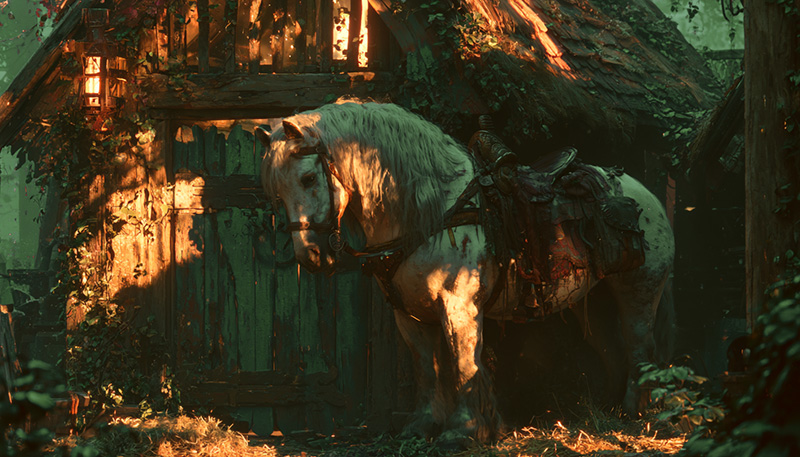
Once you receive your horse from our Master of Horses, you may want an easy way to connect your horse to your character sheet in D&D Beyond. Well… I’ve got you all sorted!
First, login to DnDBeyond.com. Once you login, your top bar will look like this:

Next, find your character: under the PLAY D&D drop down, click My Characters.
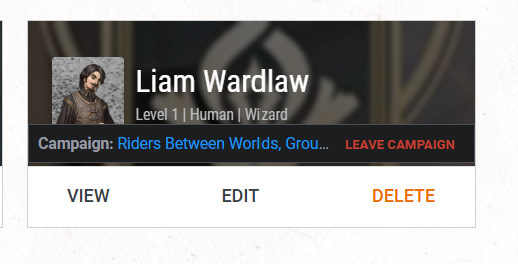
On the My Characters screen, click the View link on the entry for the character you’ve created for the Riders Between Worlds campaign. Please note: if you have not created a character for the Riders Between Worlds campaign, you’re going to need to do that FIRST!
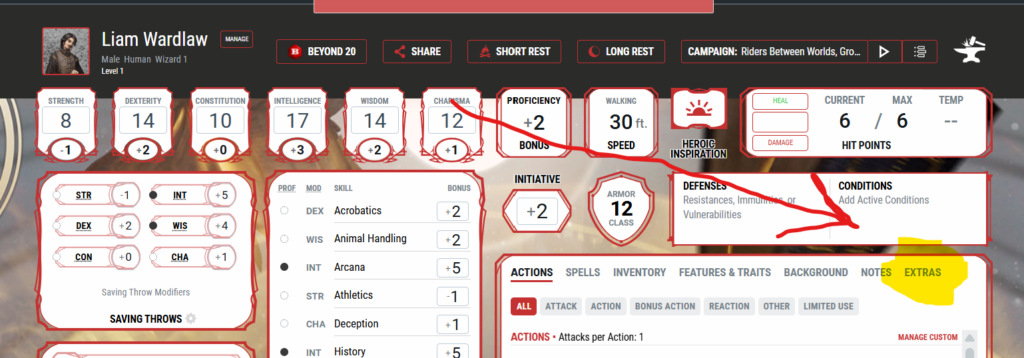
Once on your character sheet, click the EXTRAS tab within the right bottom section.
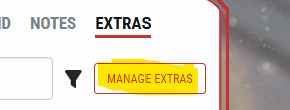
Click the MANAGE EXTRAS button.
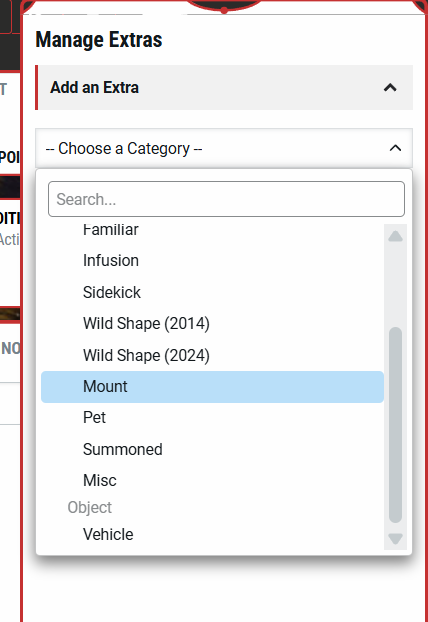
Under the –Choose a Category– dropdown, select Mount.
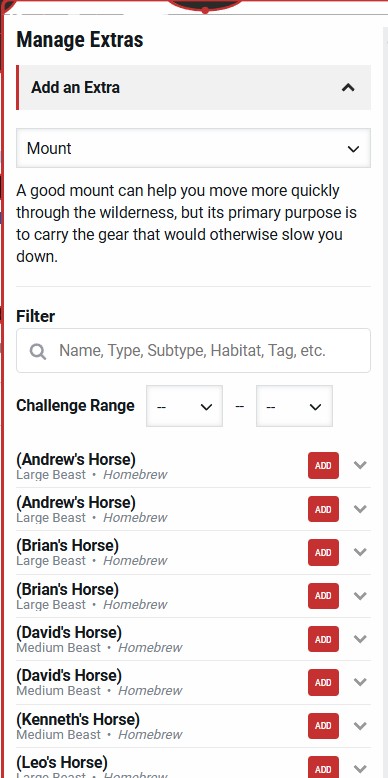
You will see a list of mounts. Choose the one with your name. (Note: You may see two of them, in which case, add either one. They are identical, and I believe two show up because of website weirdness. It’s totally fine. Totally normal. If you only see one, then even better!)
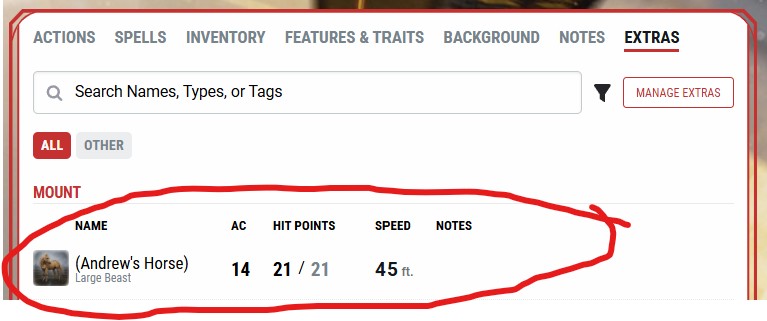
You will now find your mount under the EXTRAS tab!
Click on it and a sidebar pops up with your horse’s information!
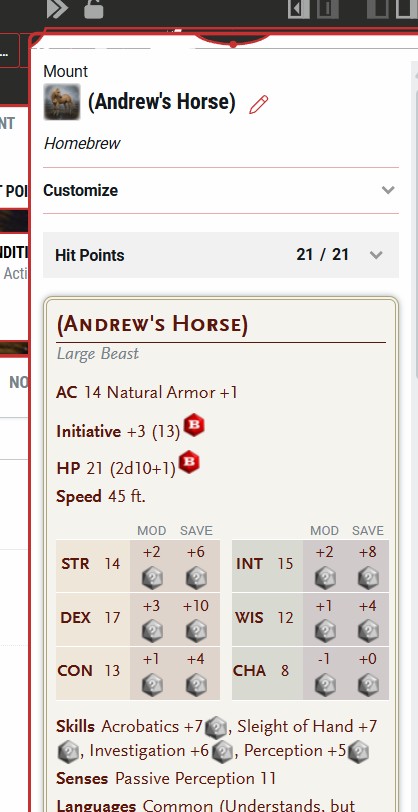
And there you have it! Your horse is now part of your character sheet. No need to juggle multiple webpages to see their stats!